Vaults
This section contains infomation about vaults, what they are used for and how to setup and configure them.
Vaults are ‘containers’ created by Brands to hold their digital vouchers.
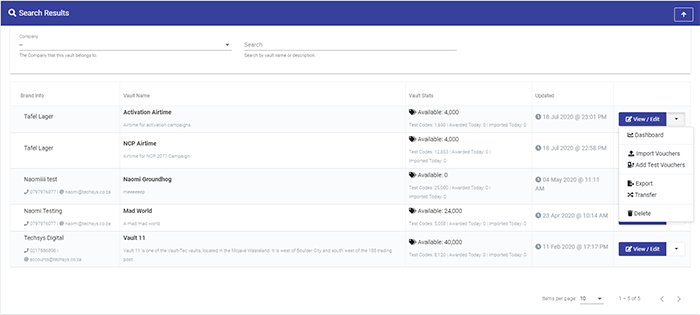
Vault Setup
Vault Dashboard
Advanced Actions
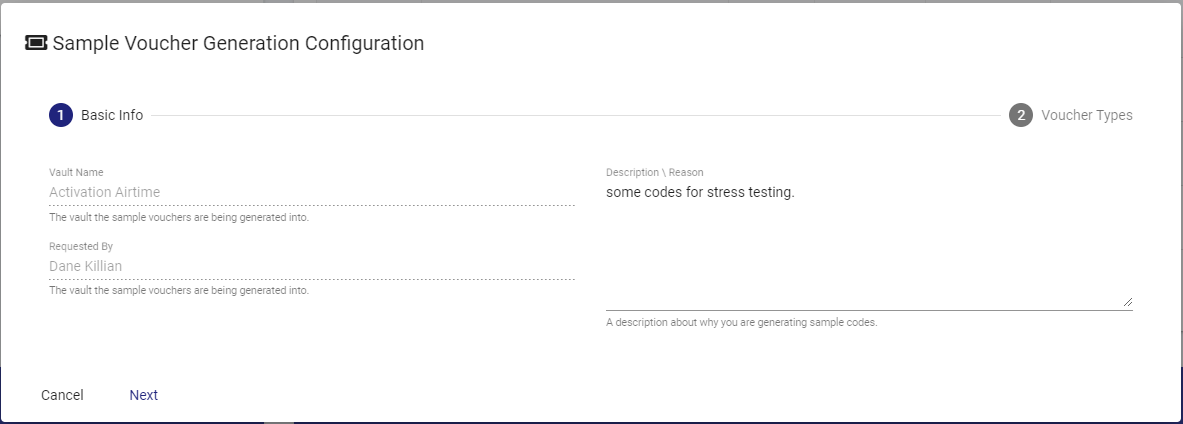

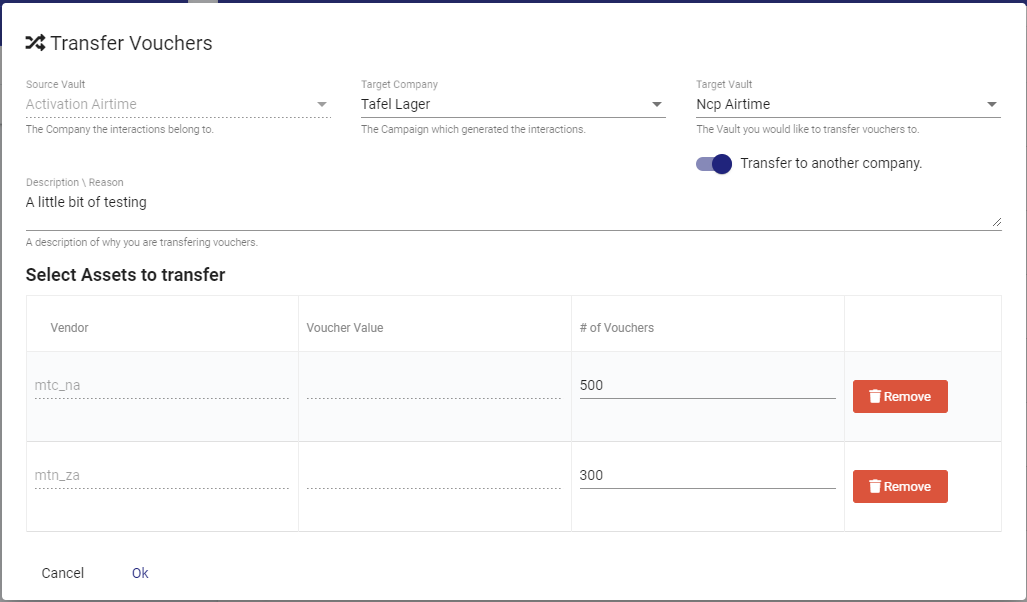
Export Vouchers
This is the other way to get vouchers out of the platform. When vouchers are exported they are marked off as used, so they cannot be reimported.
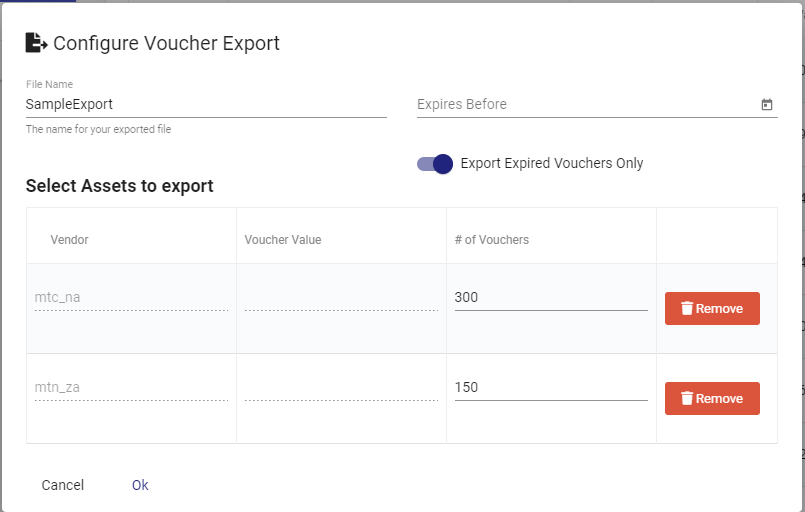
Import Vouchers
This allows a shortcut method to setup a voucher import.